
A great video won’t get watched if people can’t find it. Think of YouTube SEO as three jobs: match what people search, earn the click, and keep them watching. The steps below keep things simple and repeatable.
1. Do keyword research
Start with the exact questions your customers ask and the phrases YouTube suggests when you begin typing—those autocomplete ideas are real demand. Check top videos in your niche and note the wording in their titles, chapters, and comments to see how viewers describe the problem. Build a small list of 10–20 topics that clearly promise an outcome (“how to…”, “best for…”, “X vs Y”, “mistakes”), then prioritize the ones closest to purchase decisions. If a topic isn’t something your customer would say out loud, save it for later.
2. Optimize your titles and descriptions
Your title earns the click, so lead with the benefit in plain English and keep the main phrase near the front. In the first two lines of your description, tell viewers who the video is for and what they’ll get, then add a short summary, helpful links, and timestamps for each section. This combo helps searchers choose your video, sets clear expectations, and makes it easier for YouTube and Google to understand what you cover.
3. Add relevant tags
Tags are a light relevance signal—use them to capture close variations, common misspellings, and brand or product names people mix up. Five to ten accurate tags are enough; stuffing dozens won’t help and can confuse the system. The real lift still comes from a clear title, strong description, and content that matches the viewer’s intent.
4. Select a category
Choosing the right category gives YouTube context about your video and can improve how it’s grouped with similar content. Pick the closest fit—often “Education,” “How-to & Style,” or “Science & Technology” for business tutorials—and stay consistent across your channel so the algorithm learns your lane. Change it only when a video truly falls into a different bucket, such as a behind-the-scenes vlog.
5. Customize your thumbnail
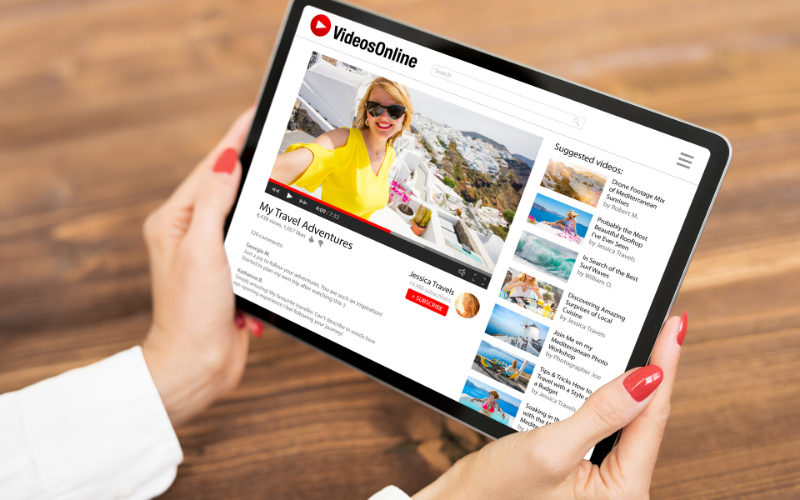
Thumbnails decide attention in seconds, so keep one bold idea, minimal text, and high contrast that reads on a phone screen. Echo the promise of your title in three to four big words, show a clear object or expressive face, and avoid cluttered collages. Maintain a consistent style so your videos look related in suggested feeds and viewers recognize you instantly.
6. Set up playlists
Playlists turn one view into several by guiding people through a focused learning path. Group videos by problem or journey (“Start Here,” “Local SEO Basics,” “Ad Setup to First Lead”), add a short description that sets expectations, and link to the playlist from end screens. Every new upload should live in at least one playlist so viewers always have a logical “next watch.”
7. Double-check your file name
Name your upload file in plain English—something like youtube-seo-essentials-2025.mp4 instead of final_v3.mp4. While it’s a minor signal, it keeps your library organized, aligns with the topic, and reduces mistakes when you create multiple versions. Use the same clarity for your thumbnail and caption files to keep everything tidy and easy to find later.
8. Review analytics and adjust your strategy
Focus on signals you can act on: if click-through rate is low, refresh the title and thumbnail; if viewers drop early, tighten the first 30 seconds and preview what’s coming. Look at average view duration and “key moments” to spot confusing sections or slow transitions you can trim. Let viewer comments and search terms guide your next topics, and build a weekly habit of improving one older video while publishing one new, search-friendly piece.
Pick search-friendly topics, package them clearly (title + thumbnail), deliver the promised result quickly, and keep iterating based on CTR and retention. Do that on repeat, and YouTube becomes a steady source of qualified views—and the leads that follow.


